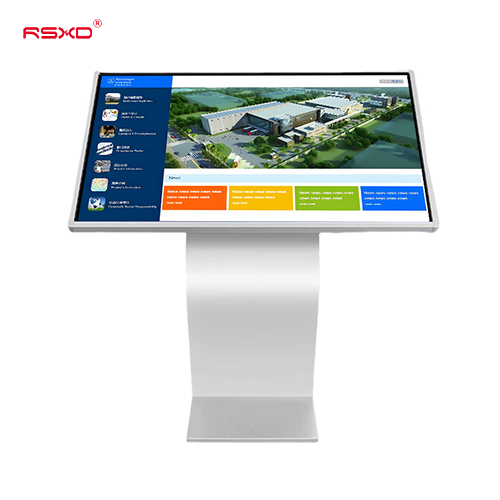
Horizontal Touchscreen All-in-One Kiosk
An angled landscape touchscreen for self-directed information, product exploration and visitor guidance.
Explore the configurationTouchscreen kiosks and configurable terminals for self-guided information, visitor discovery and service journeys.
Compare the physical format, operating environment and content workflow. Build the specification around the way the display will be used.
View the collectionAn angled landscape touchscreen for self-directed information, product exploration and visitor guidance.
Explore the configuration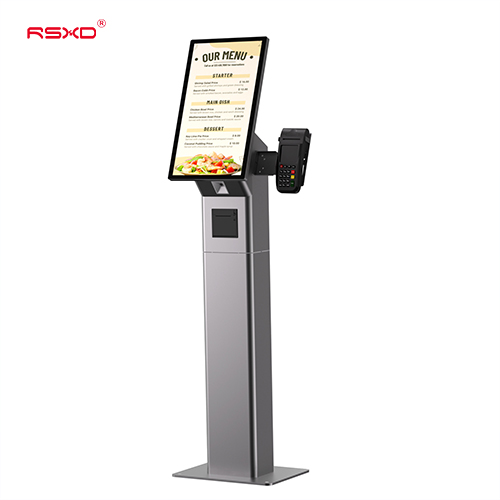
A configurable touchscreen terminal platform for self-service information and customer interaction projects.
Explore the configurationA display is part of a physical place and an operational workflow. Bring those requirements together early.
Check sightlines, ambient light, installation space, access and the operating environment.
Agree what people see or do, who updates the content and how hardware and software connect.
Approve drawings, model specifications, software scope and the installation and support responsibilities.
Explore planning considerations for common applications. These are deployment guides, rather than claims about completed customer projects.
Help visitors find a destination through maps, search and clear next steps.
Plan this applicationLet customers explore products and compare information at their own pace.
Plan this applicationDesign the hardware around a defined service task and an assisted fallback.
Plan this applicationA clear sequence reduces ambiguity between product selection, integration and site work.
Send location, quantity, use and available space.
Review the panel, system, enclosure and software scope.
Check drawings and a representative configuration.
Agree installation, content access and ongoing support.
Practical guides for specifying and operating your display project.
All resourcesPlan destinations, map orientation, accessible interaction and useful fallbacks for a public touchscreen directory.
Avoid interface surprises by documenting the application, operating system, data connections and connected devices together.
Review reach, readability, session handling and data minimisation when planning a public interactive display.
Share the location, application and intended experience. We can review a configuration and the work needed to bring it into use.
Prepare a project inquiry